Cloudflare Temp Email
dreamhunter2333/cloudflare_temp_email ↗ ·★ 10.1k ·TypeScript ·MIT
A temporary email service built entirely on Cloudflare — Pages for the frontend, Workers and D1 for the backend. Receive and send email from disposable addresses on your own domain.
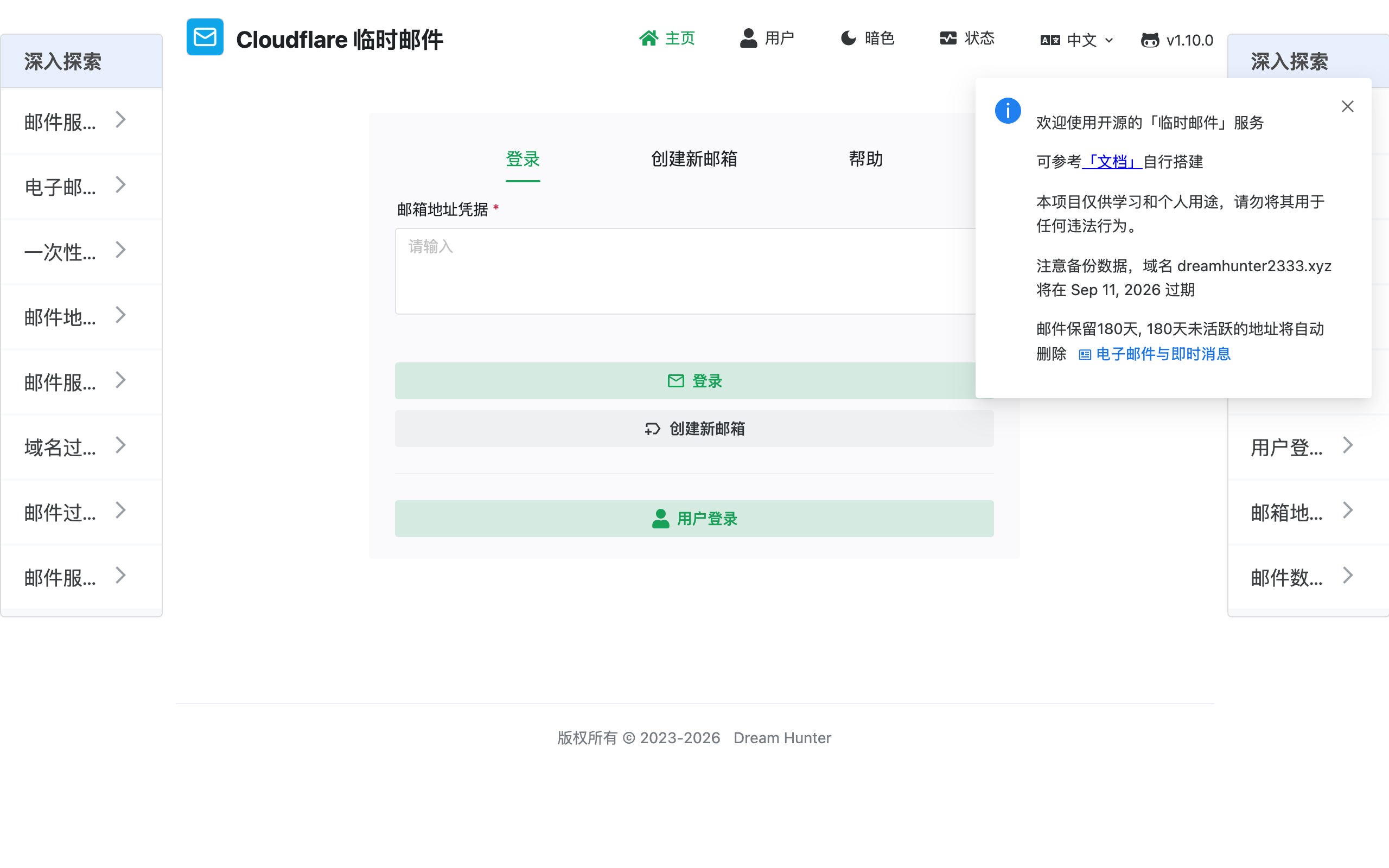
Overview
Cloudflare Temp Email is a self-hosted disposable email service that runs end to end on Cloudflare’s free tiers. The frontend is a Vue app on Pages, the backend is a Worker, messages are stored in D1, and inbound mail is delivered through Cloudflare Email Routing. The result is a temp-mail product you fully own, attached to your own domain rather than a shared public one.
Unlike public throwaway-mail sites, self-hosting means the addresses and their contents stay private to you. You can generate unlimited addresses under your domain, read them in a clean web UI, and — because the project also supports sending — reply from a disposable address when you need to. Optional authentication lets you gate the admin panel and individual mailboxes.
The main prerequisite is a domain managed by Cloudflare so Email Routing can hand messages to the Worker. After that, deployment is the familiar Cloudflare flow: provision a D1 database, deploy the Worker backend, deploy the Pages frontend, and point a catch-all route at the Worker. It is a great real-world tour of how Email Routing, Workers and D1 compose into a complete app.
Highlights
- ✓ Disposable inboxes on your own domain via Cloudflare Email Routing
- ✓ Frontend on Pages, backend on Workers, storage in D1 — all serverless
- ✓ Send as well as receive, with optional admin and user authentication
- ✓ Self-hosted, so the addresses and data stay under your control
Best for
- →Running your own private temp-mail service
- →Throwaway addresses for signups and testing
- →Learning Cloudflare Email Routing + Workers + D1 together
Getting started
- 1 Add a domain to Cloudflare and enable Email Routing
- 2 Create a D1 database and configure the Worker's bindings
- 3 Deploy the Worker backend, then deploy the frontend to Cloudflare Pages
- 4 Point Email Routing's catch-all at the Worker so messages land in your inbox UI
FAQ
Yes. The service relies on Cloudflare Email Routing, which requires a domain on Cloudflare. Once added, you can generate unlimited addresses under it.
Yes — it can receive via Email Routing and send through a configured provider, so disposable addresses can hold two-way conversations, not just inbound mail.
Cloudflare Pages, Workers, D1 and Email Routing all have free tiers that comfortably cover personal use. Your main requirement is a domain on Cloudflare.
Deploy Cloudflare Temp Email for free
Free-tier platforms that can host this project. Pick one and ship it.