Next.js Subscription Payments Starter
vercel/nextjs-subscription-payments ↗ ·★ 7.2k ·TypeScript ·MIT
A full-stack subscription SaaS starter using Next.js, Stripe checkout and the customer portal, with auth and data on Supabase. Deploy the frontend to Vercel in one click.
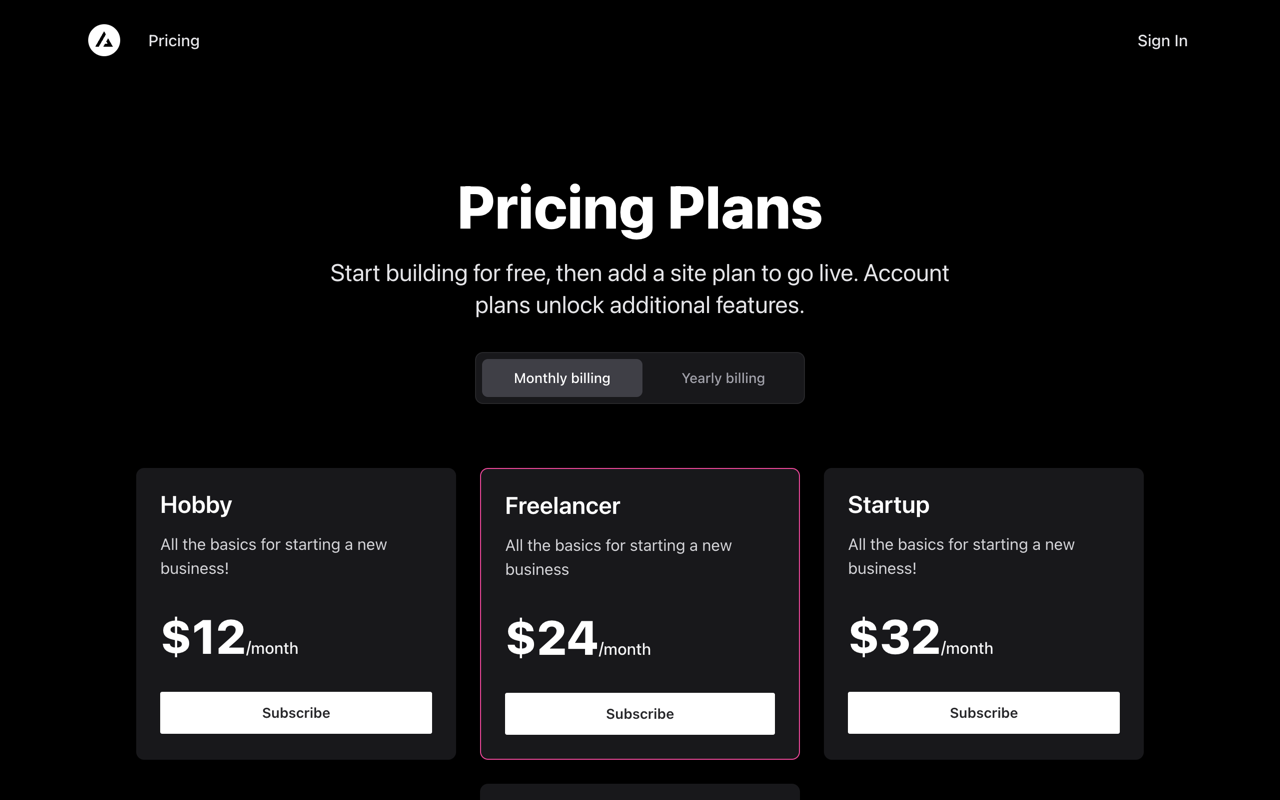
Overview
Next.js Subscription Payments Starter is Vercel’s official template for shipping a subscription business quickly. It combines three best-in-class pieces — Next.js for the app, Stripe for billing, and Supabase for auth and data — into a working SaaS skeleton with checkout, a customer portal, and webhook-synced subscription state already implemented. The hard, error-prone parts of payments are done for you.
The architecture splits responsibilities cleanly. Supabase owns identity and the database (with row-level security so users only see their own data), Stripe owns money, and the Next.js layer orchestrates between them. Stripe webhooks are the glue: when a subscription is created, upgraded or cancelled, a handler updates Supabase so your application logic can simply read the current plan from your own database.
Deployment is genuinely one click. The Vercel button clones the repo and provisions the Supabase integration during setup; from there you add your Stripe keys, define products and prices, and you have a billable product. Both the Vercel Hobby tier and the Supabase free tier are enough to launch with — you only start paying Stripe’s per-transaction fees once you are actually taking money.
Highlights
- ✓ Stripe Checkout and the Customer Portal wired up end to end
- ✓ Supabase for auth, Postgres and row-level security
- ✓ Webhooks keep subscription state in sync automatically
- ✓ One-click Vercel deploy that provisions the Supabase integration
Best for
- →Launching a subscription SaaS or membership site
- →Developers who want Stripe billing without building it from scratch
- →Next.js apps that need auth + database + payments together
Getting started
- 1 Click Deploy on Vercel — it provisions the Supabase integration during setup
- 2 Create products and prices in your Stripe dashboard (or use the included fixtures)
- 3 Add your Stripe secret key and webhook signing secret as environment variables
- 4 Run the Stripe CLI to forward webhooks locally, then test a checkout flow
FAQ
Supabase. It provides Postgres, authentication and row-level security, while Stripe handles payments. The Next.js app ties them together.
For an early-stage product, yes — Vercel's Hobby tier hosts the frontend and Supabase's free tier covers auth and the database. Stripe charges per transaction, not for hosting.
Stripe webhooks notify the app of new, updated and cancelled subscriptions, and the handler writes the current state into Supabase so your UI always reflects billing reality.
Deploy Next.js Subscription Payments Starter for free
Free-tier platforms that can host this project. Pick one and ship it.